

LED Displays for Education
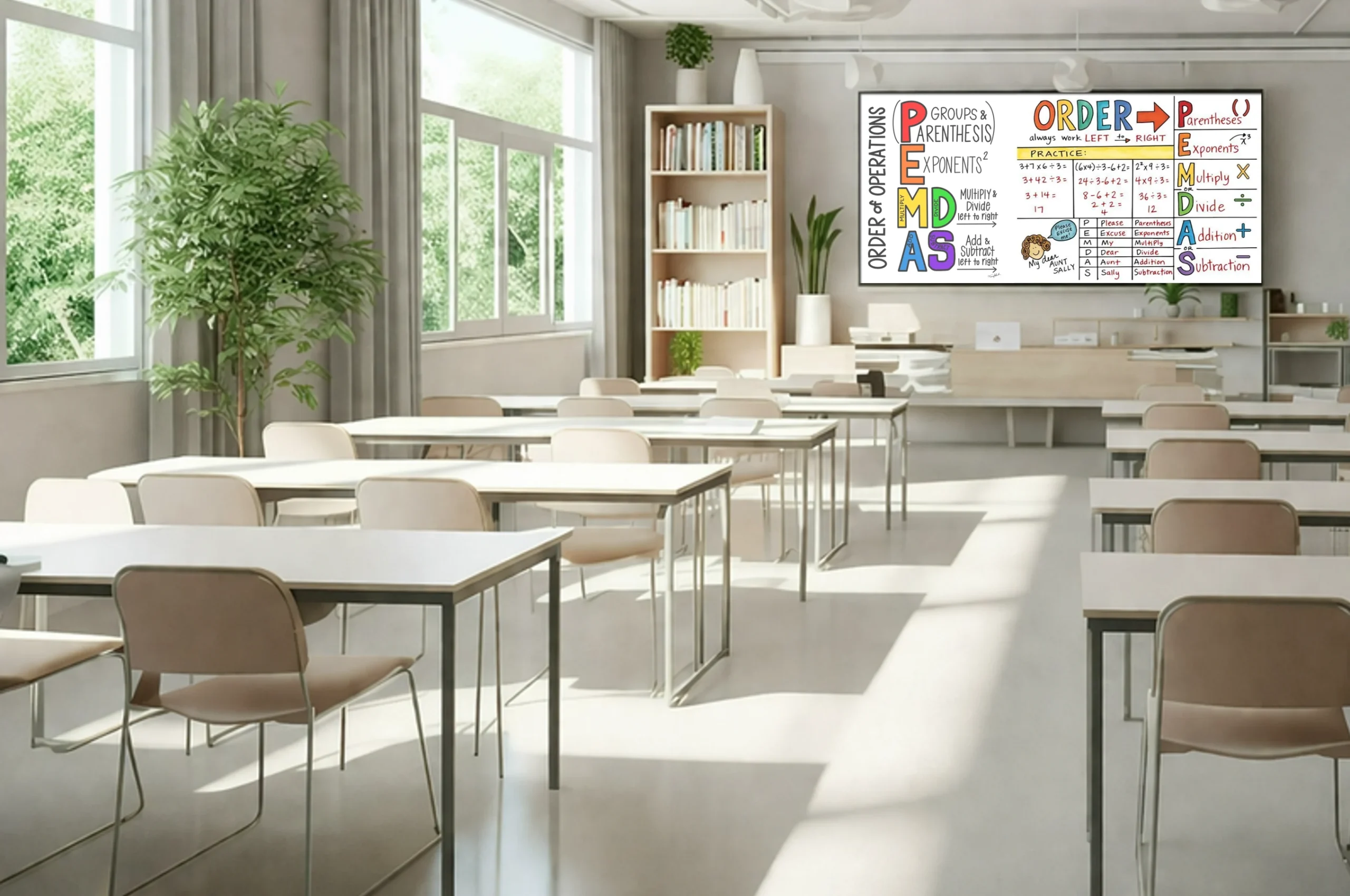
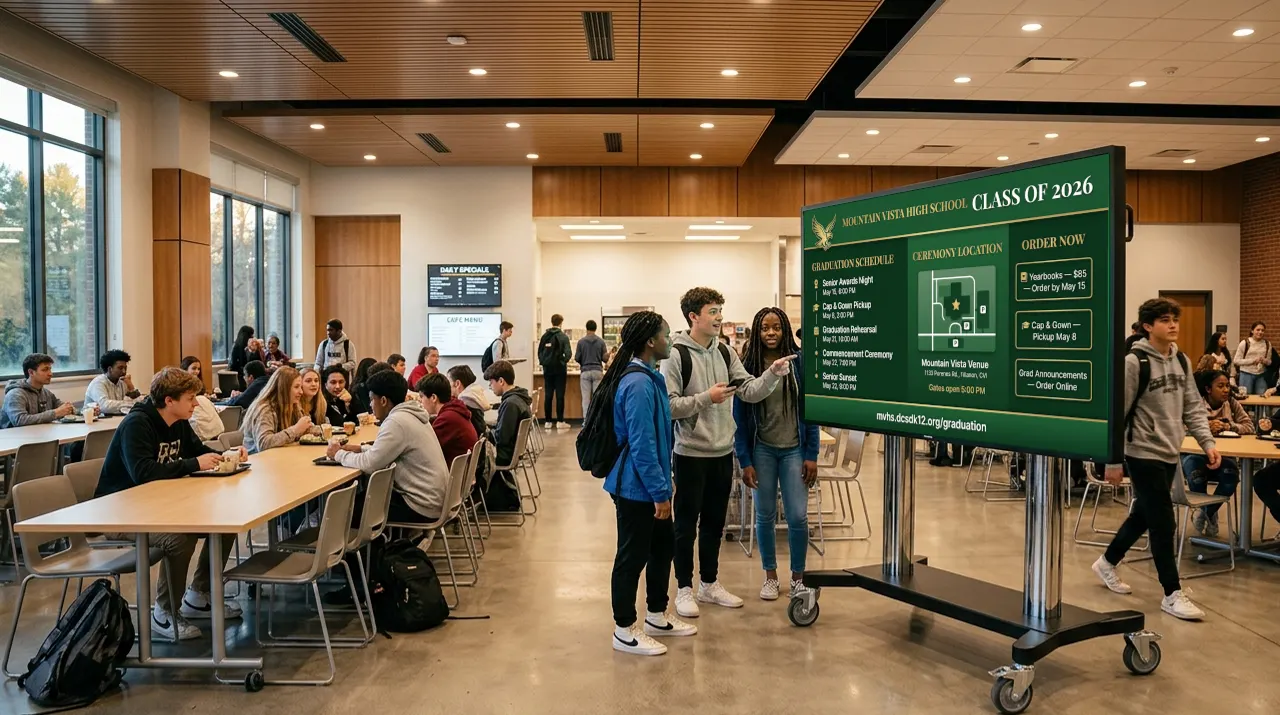
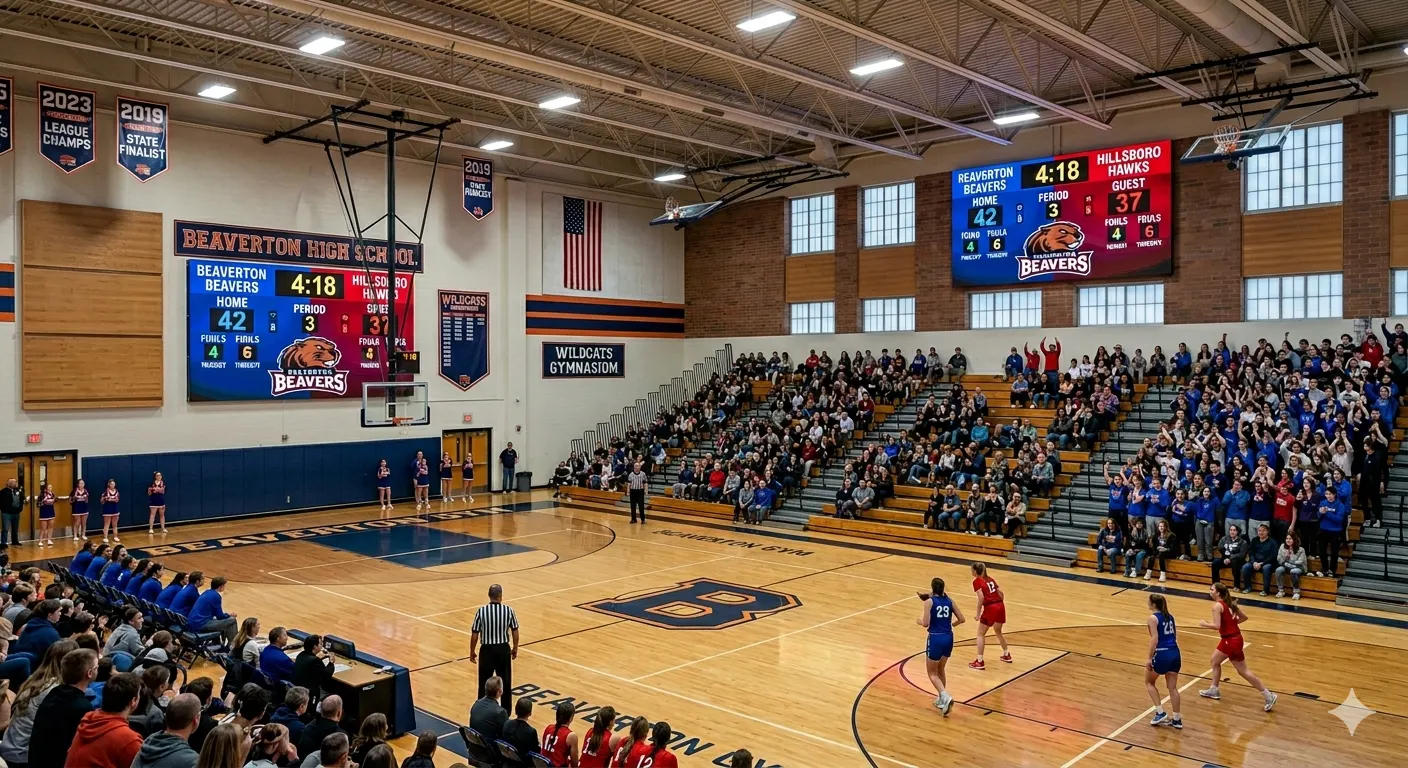
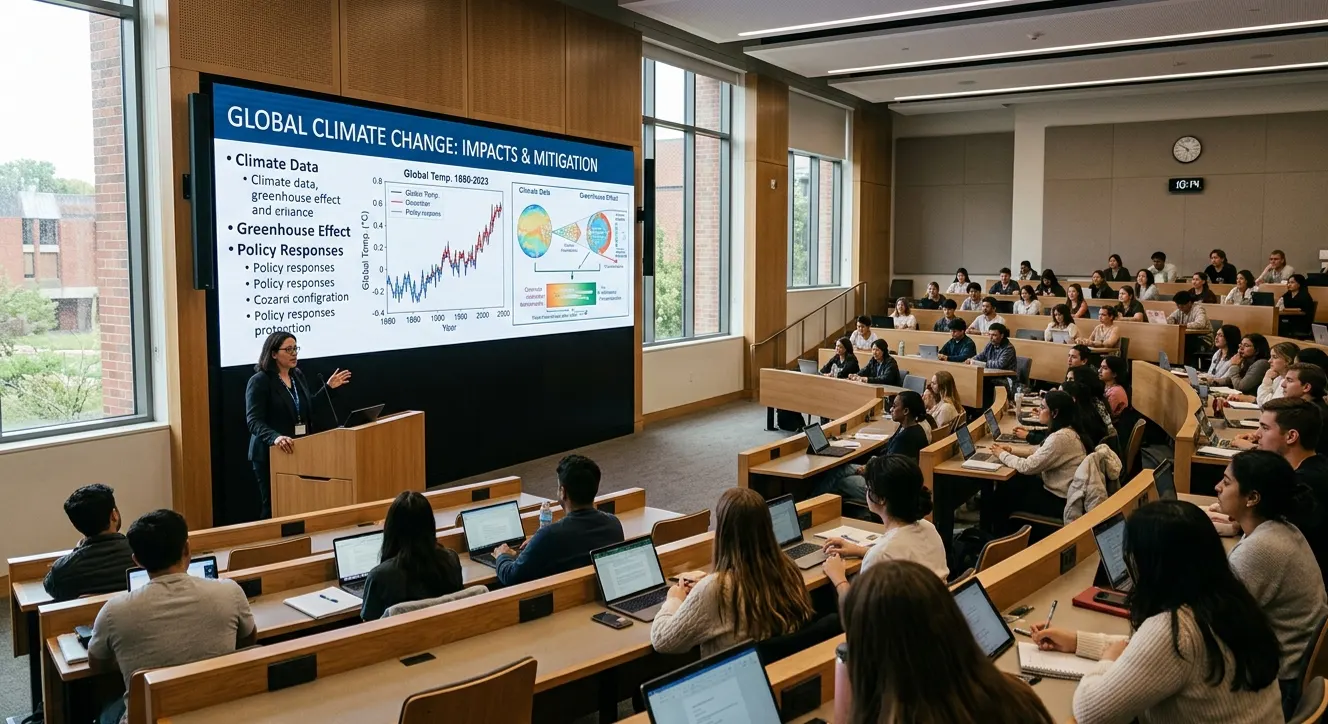
- Dynamic Learning Tools: Enhance lectures, assemblies, and presentations with vivid, engaging visual content
- Campus-Wide Integration: From auditoriums to lobbies to campuses, and athletic facilities, displays scale across K-12, colleges, universities and trade schools
- Durable & Easy to Maintain: Built to withstand daily use with front-service panels and minimal maintenance requirements
- Supports Hybrid Learning Environments: Seamless integration with AV systems and streaming platforms for in-person and remote learning
Vanguard LED Displays equips educational institutions with powerful visual tools that inspire learning, support communication, and elevate campus experiences. From large-format displays in university lecture halls to interactive signage in K-12 multipurpose spaces, our solutions help educators connect with students in more dynamic and meaningful ways.
Our displays support a wide range of educational applications—presentations, distance learning, event broadcasting, digital signage, and more—while delivering the clarity and reliability that schools require. Designed for continuous use and engineered for long-term value, Vanguard LED panels feature easy access for service to minimize disruptions.
With modular sizing and seamless content integration, Vanguard systems adapt to diverse spaces both indoor and outdoor, across campus, including libraries, lobbies, athletics centers, and performing arts venues. Whether you’re showcasing student achievements or delivering hybrid learning content, Vanguard LED displays bring a modern visual platform to the core of academic life.
Trusted by schools, districts, and universities nationwide, Vanguard LED supports educators in their mission to inform, inspire, and prepare the next generation—with visuals as sharp as the minds they serve.
Features/Important Cities for the Education market



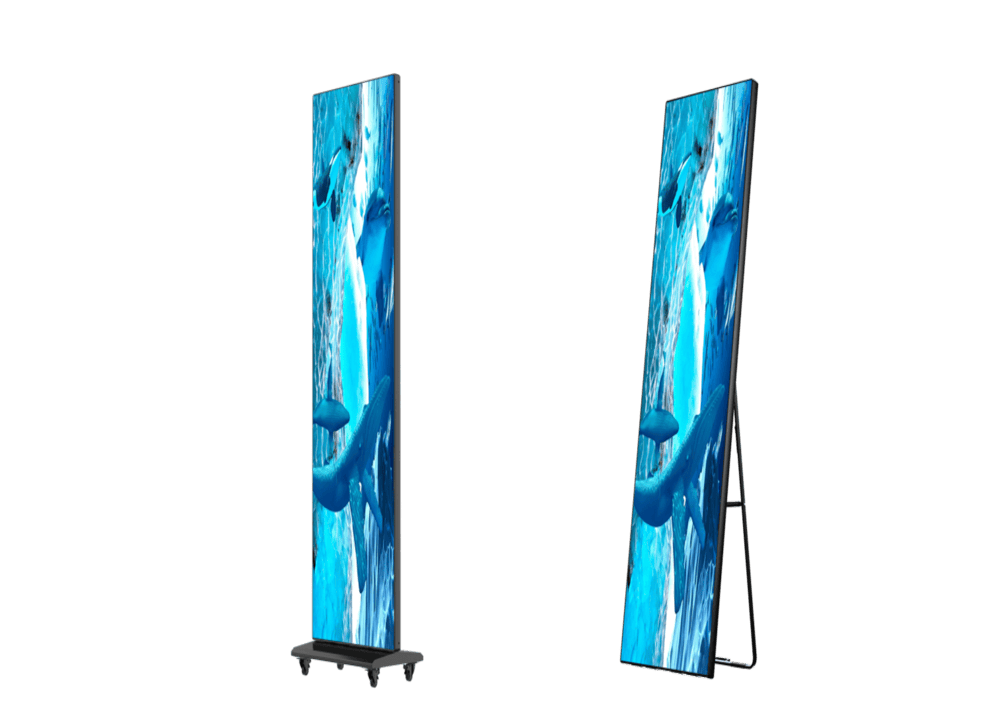
Vanguard Education LED Series

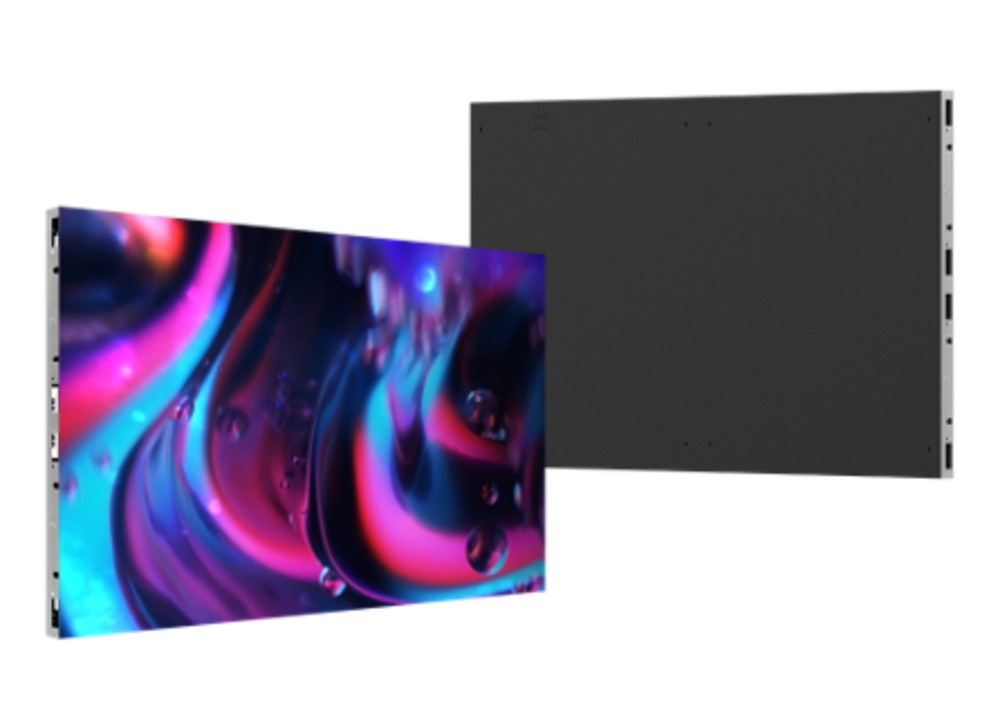
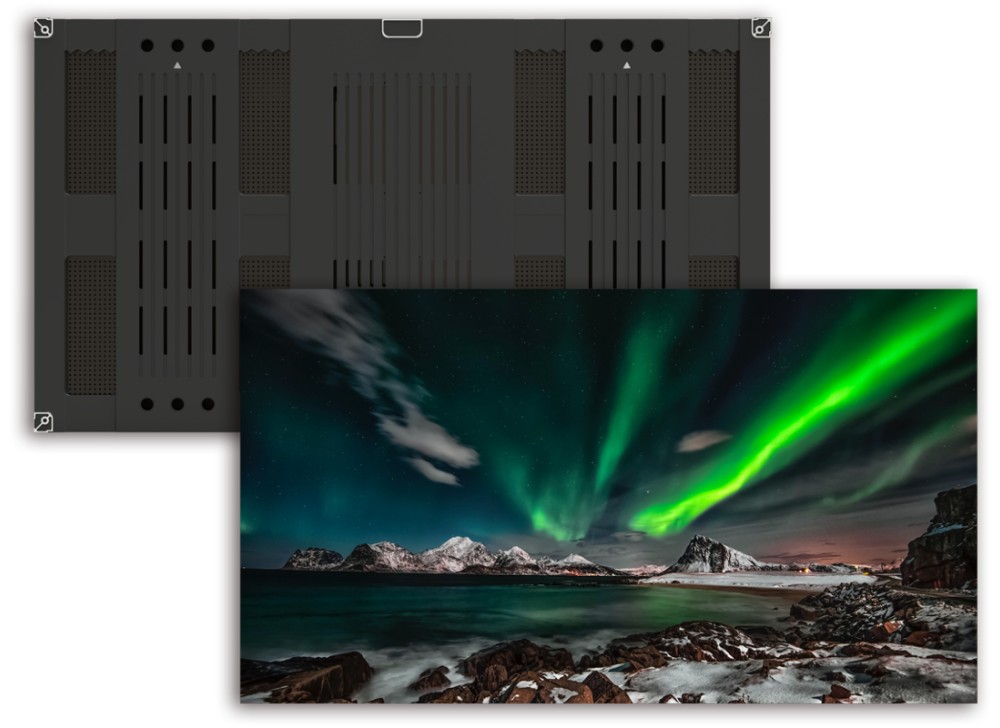
LA Series
- Ideal LCD videowall replacement
- 43”, 55”, and 65” panel sizes
- VESA mount compatible
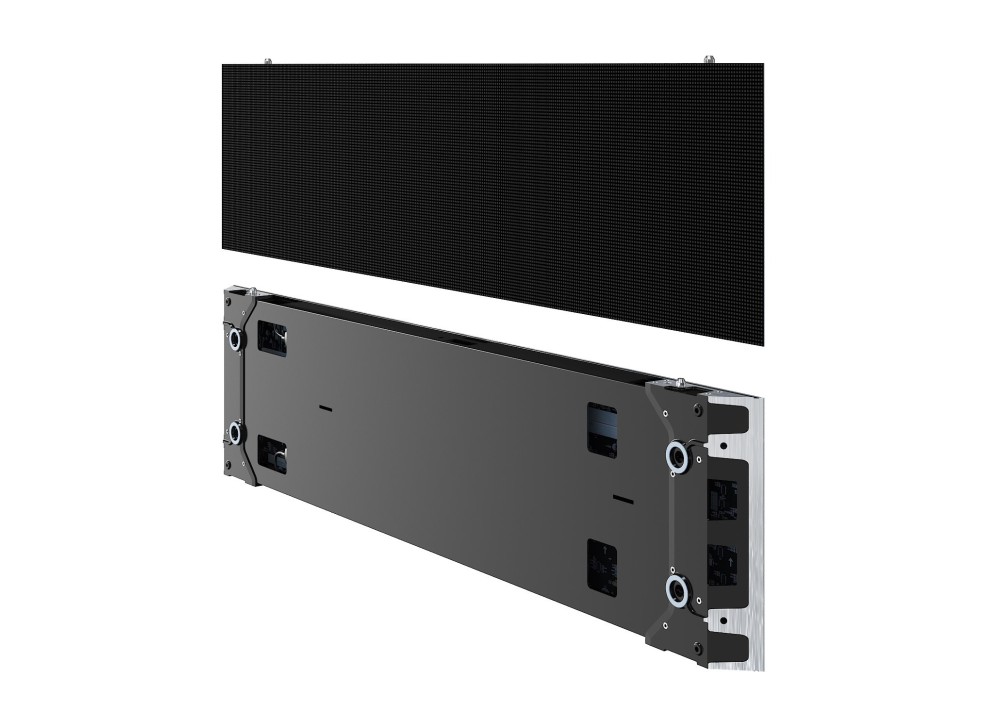
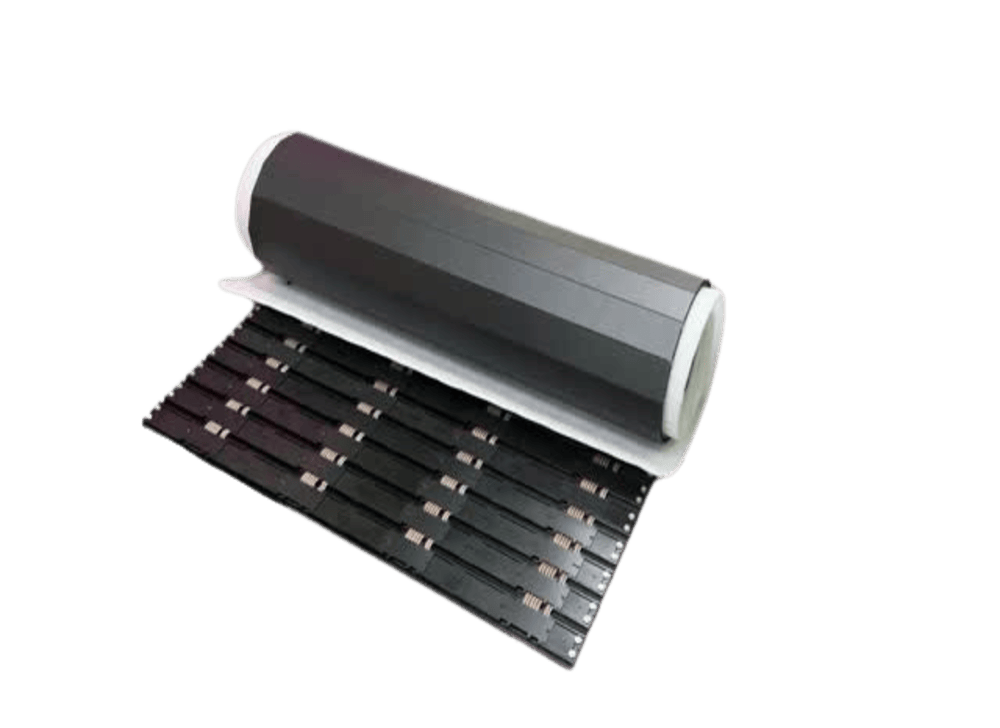
Zirconium
- Flexible Freeform Design
- Versatile Panel Options
- Creative Installation Capabilities
Frequently Asked Questions
What should buyers consider when choosing an indoor LED video wall for a university?
University buyers should weigh viewing distance across varied spaces — lecture halls differ from student centers — plus durability for high-traffic campus life, multi-source flexibility for rotating presenters and events, network manageability for campus IT, and total cost of ownership across a decade-plus service life that outlasts multiple graduating classes.
What are the best panel options for education and campus event spaces?
Campus event spaces serve everything from lectures to concerts, so versatile mid-fine pitch (1.9–2.5mm) covers mixed viewing distances, multi-source windowing handles varied programs, and durable panels withstand constant reconfiguration and student traffic. Camera-friendly refresh rates serve the streaming and recording now standard in campus events.
Which display solutions are commonly used on university campuses?
Universities deploy displays in tiers: fine-pitch LED walls in admissions centers and flagship lobbies, mid-pitch walls in auditoriums and athletics, video walls for lecture capture in large halls, and networked signage across corridors and commons for wayfinding and announcements — all increasingly managed centrally by campus AV and IT.
What are the best LED video wall systems for campus auditoriums and student centers?
Auditoriums favor large seamless walls at 1.9–2.9mm pitch, sized so the back row reads slides clearly, with multi-window support for presenter-plus-content layouts and camera-ready refresh for lecture capture. Student centers add durability and scheduling — displays running from morning announcements through evening events without an operator.
What should a school district consider when choosing displays for classrooms and corridors?
Districts should prioritize commercial duty-cycle ratings over consumer hardware, durability against daily student contact, central manageability across buildings, warranty terms covering institutional use, and simple operation for teachers. Corridor displays add scheduling and emergency messaging capability — a communication channel, not just a screen. Epoxy resin coverings protect pixels wherever students and daily traffic get close.
Which LED video wall solutions work best for university sports facilities?
TL;DR: University sports facilities scale professional-venue solutions to campus: weather-rated stadium boards, mid-pitch arena walls, ribbon fascia, multi-zone control, camera-ready refresh, and epoxy protection within audience reach.
Which display solutions are best for classroom collaboration and campus signage?
Classroom collaboration favors All-In-One LED displays — integrated controller and audio, VTC compatibility for hybrid instruction, and operation any instructor can manage. Campus signage layers networked displays under central management with scheduling and emergency messaging, standardized across buildings to simplify support and spares.
Which video wall controllers are best for university lecture halls and auditoriums?
Lecture halls serve a rotating cast of presenters, so controllers should offer effortless source switching, broad input compatibility, and presets for common teaching modes — full-screen lecture capture, side-by-side content and camera, multi-source panels. Integration with campus AV control systems and dependable daily operation round out the requirements.
How do displays support emergency messaging in public venues and schools?
Displays become safety infrastructure when integrated with alert systems: emergency messages override scheduled content instantly across every networked screen, delivering evacuation routes, shelter instructions, and status updates visually — critical where alarms alone can't communicate specifics. UPS backup keeps critical displays operating through power events.
REACH OUT TO US
Please fill out the form, and our team will get back to you as quickly as possible.
Demo Title
This will close in 50 seconds